Line haul$1,420
Chassis split$180
Pre-pull$95
Accessorials nobody billed.
Chassis, pre-pulls, waiting time, extra stops. If it's not on the invoice, you paid to haul it for free. LoadPilot adds them as they happen.
New: AI agents read your Gmail and Outlook orders, fetch port data and send customer alerts. Meet the agents →
Free Carrier ROI Calculator: see what missed accessorials and late fees cost you. Calculate yours →
Too many tools, spreadsheets and phone calls? (That's where your margin goes.) They do the typing. You make the calls.
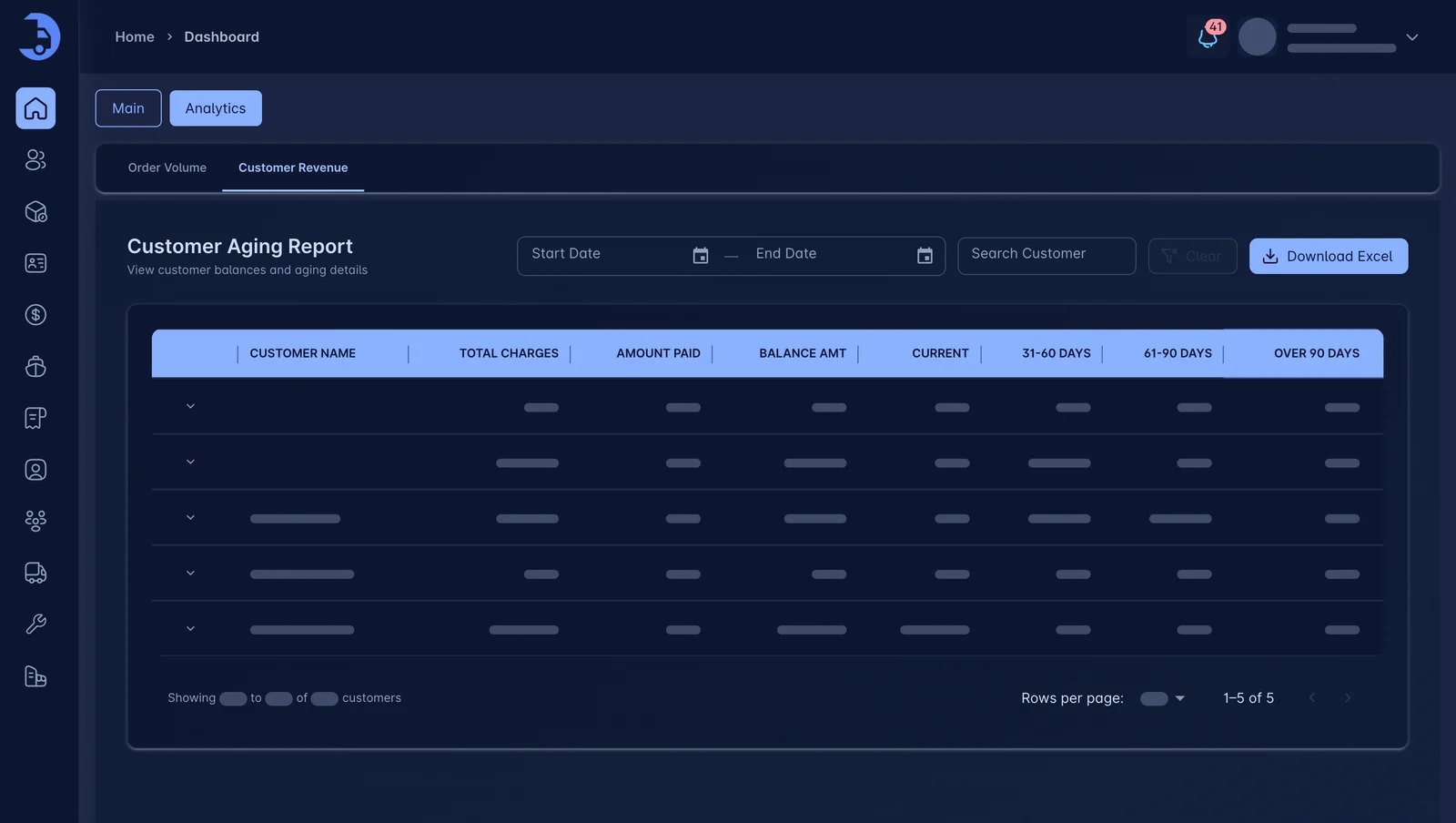
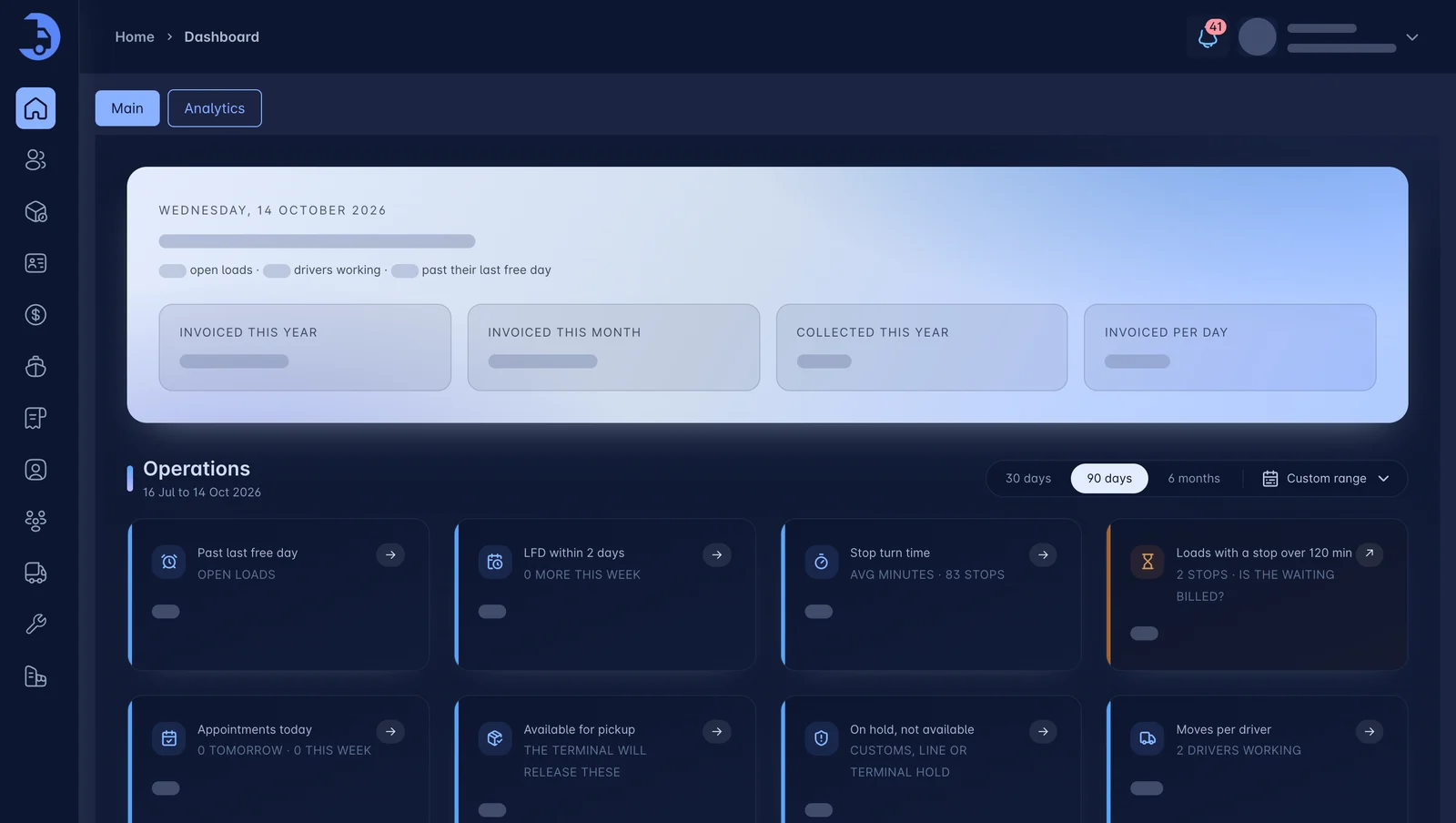
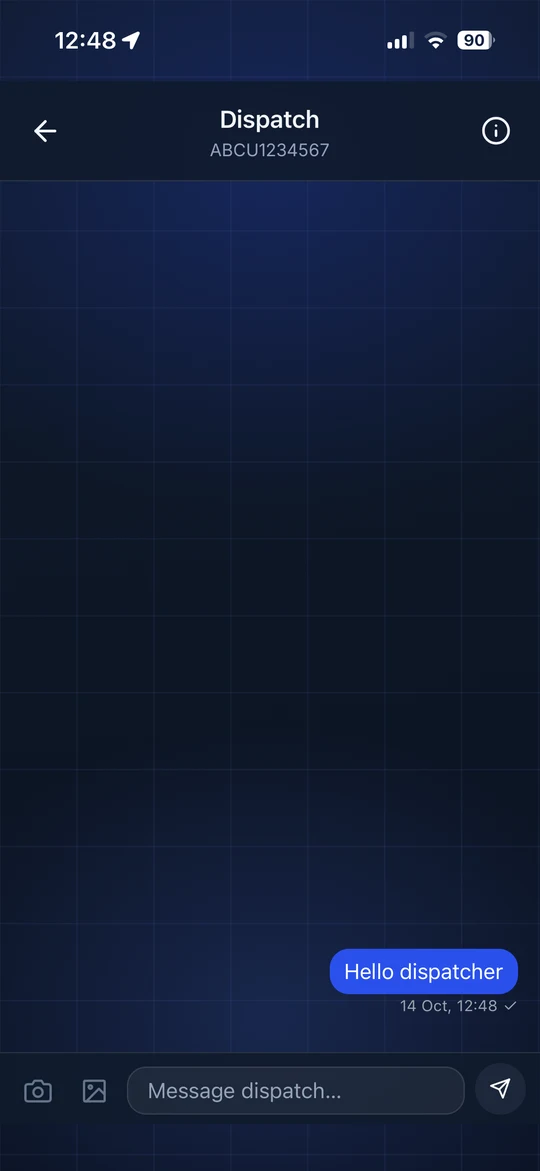
LoadPilot puts dispatch, container tracking, a driver app with built-in chat to dispatch, billing and settlements in one system. Enter a load once. Track it, invoice it and pay the driver without re-typing a thing. Built for drayage carriers, brokers and OTR carriers.
No contract games. Live walkthrough in 30 minutes.
Same data. Six stages. No re-keying.
Connect Gmail or Outlook once. Order emails sync on their own, and you create the dispatch in one click. Nothing to copy, paste or re-type.
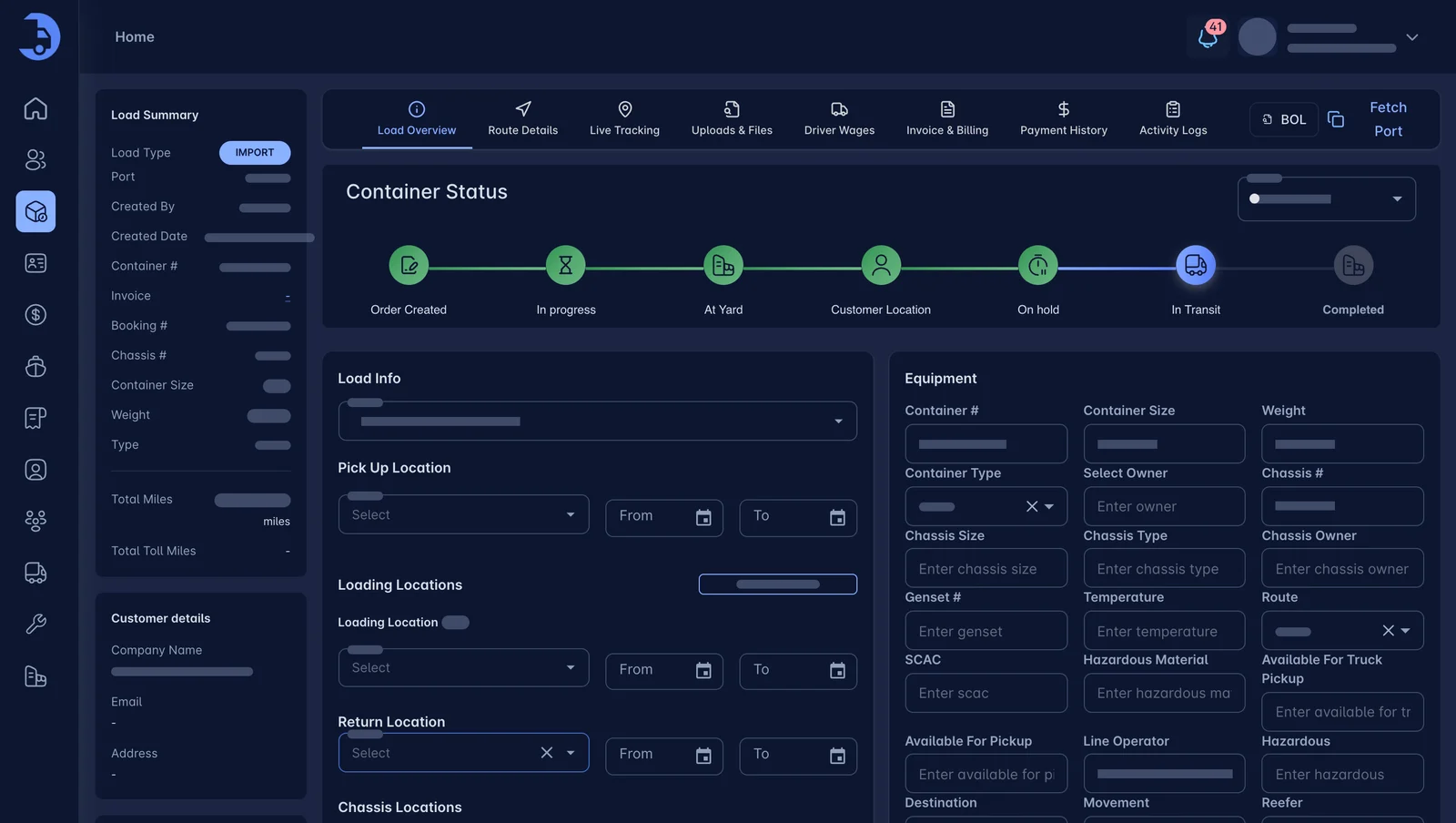
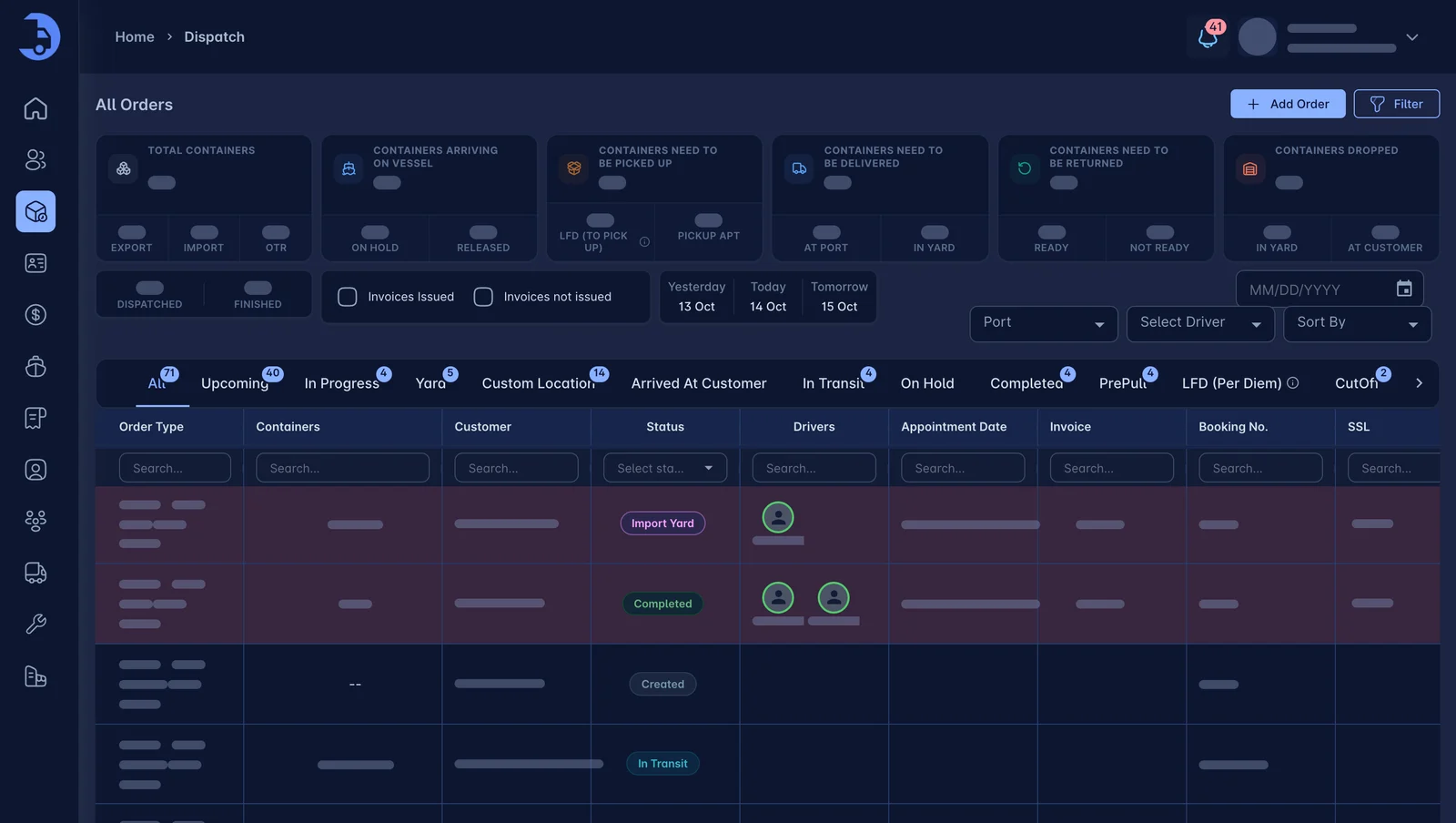
See every truck, chassis and load on one board. Drop a load on a driver and their phone lights up.
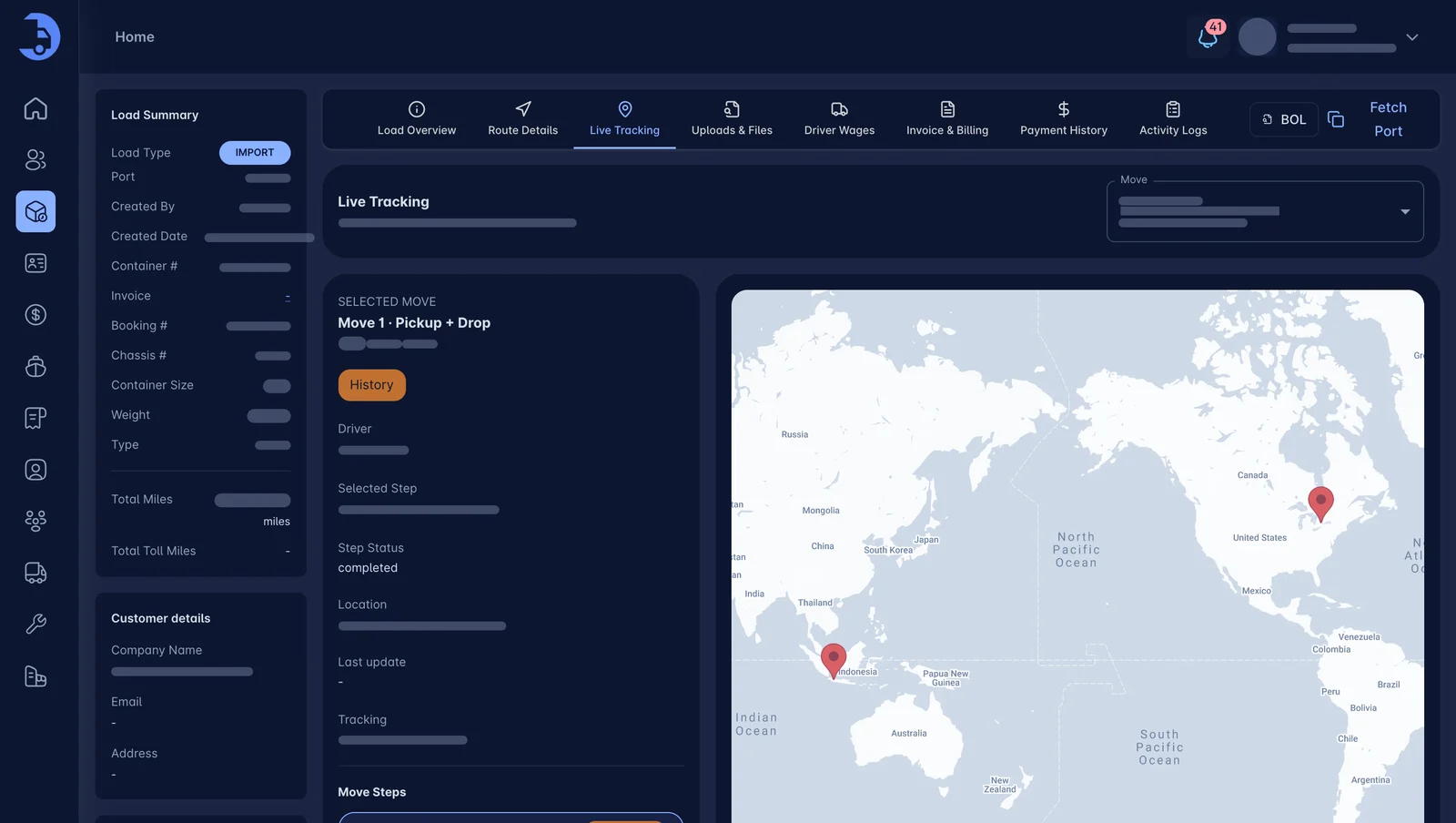
Terminal availability, ETAs and last free days sit right next to the load. No more checking five port sites.
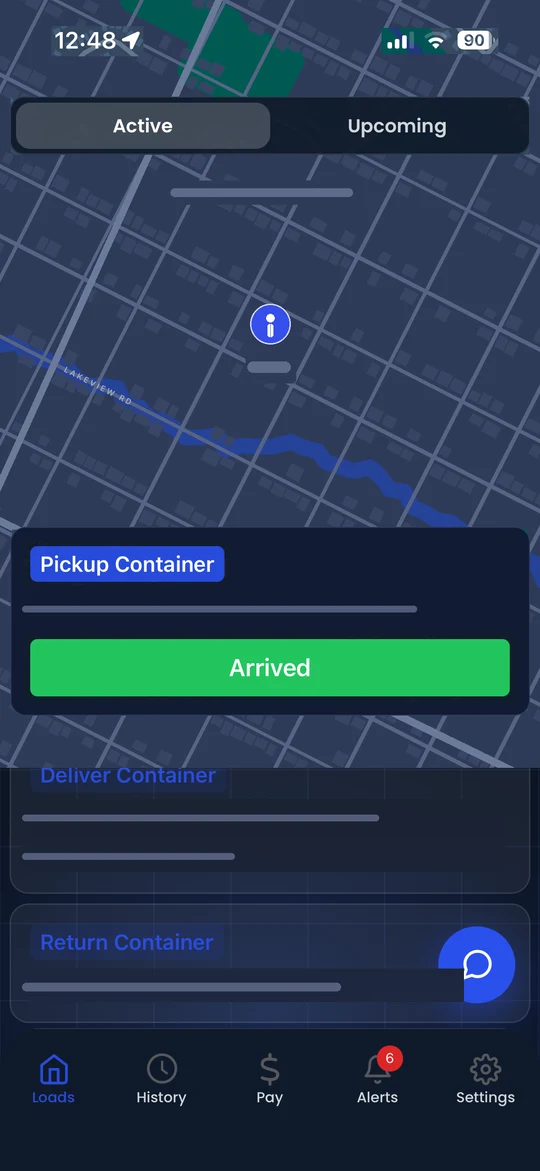
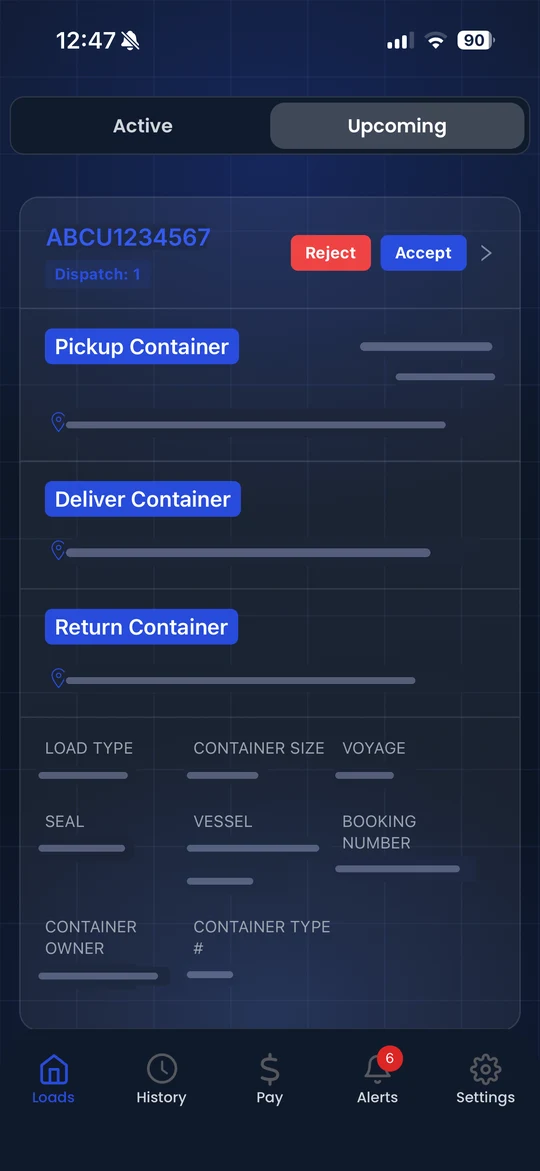
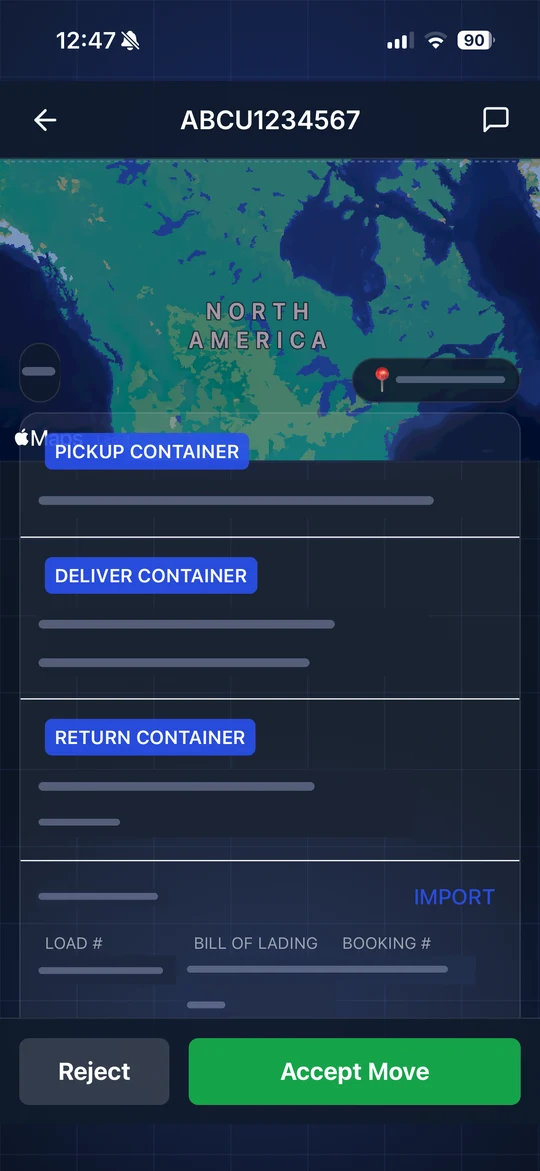
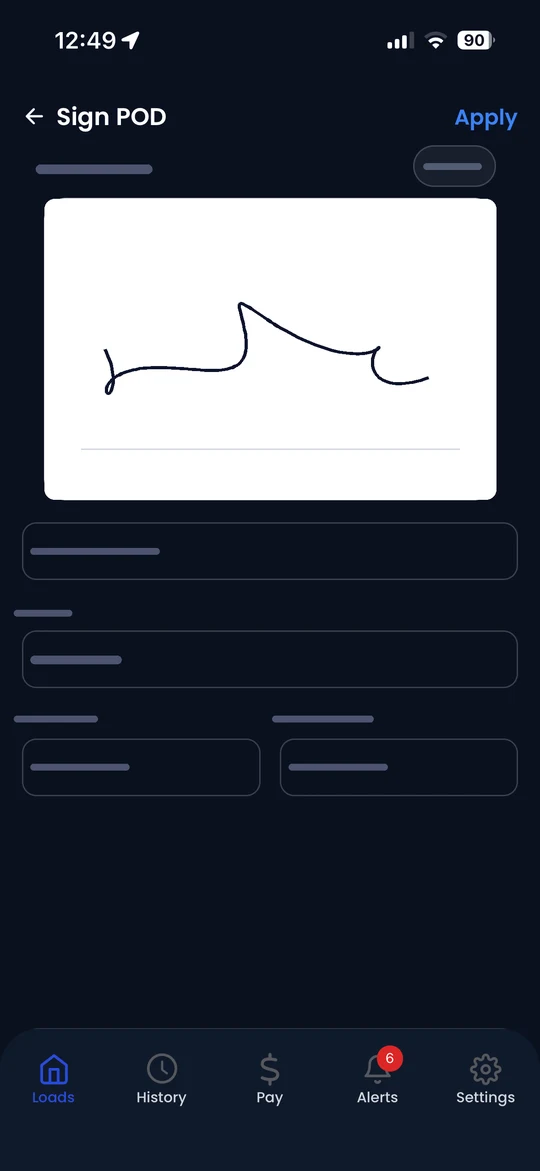
Load details, directions, status taps and photo paperwork. Dispatch sees every update the second it happens.
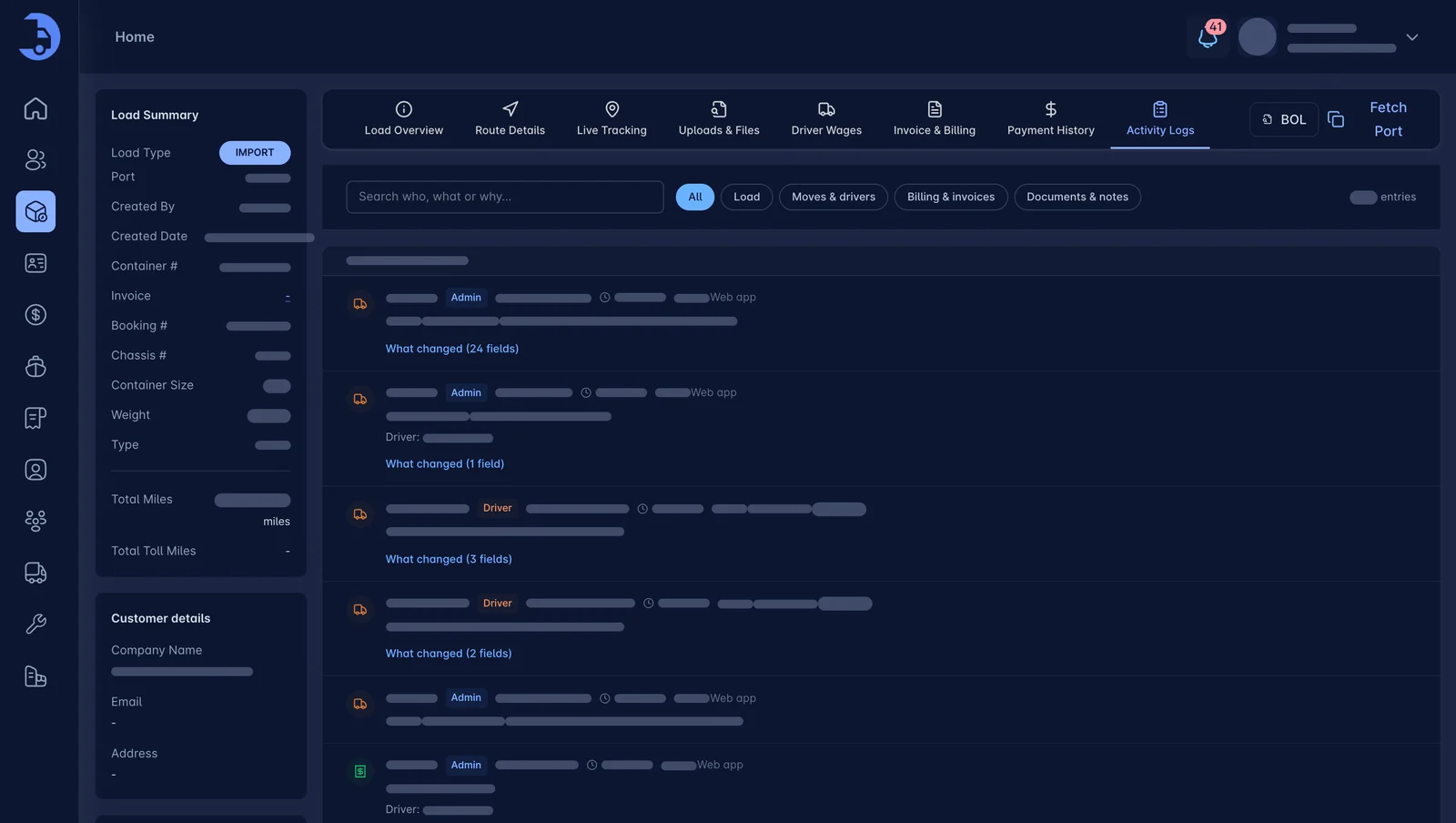
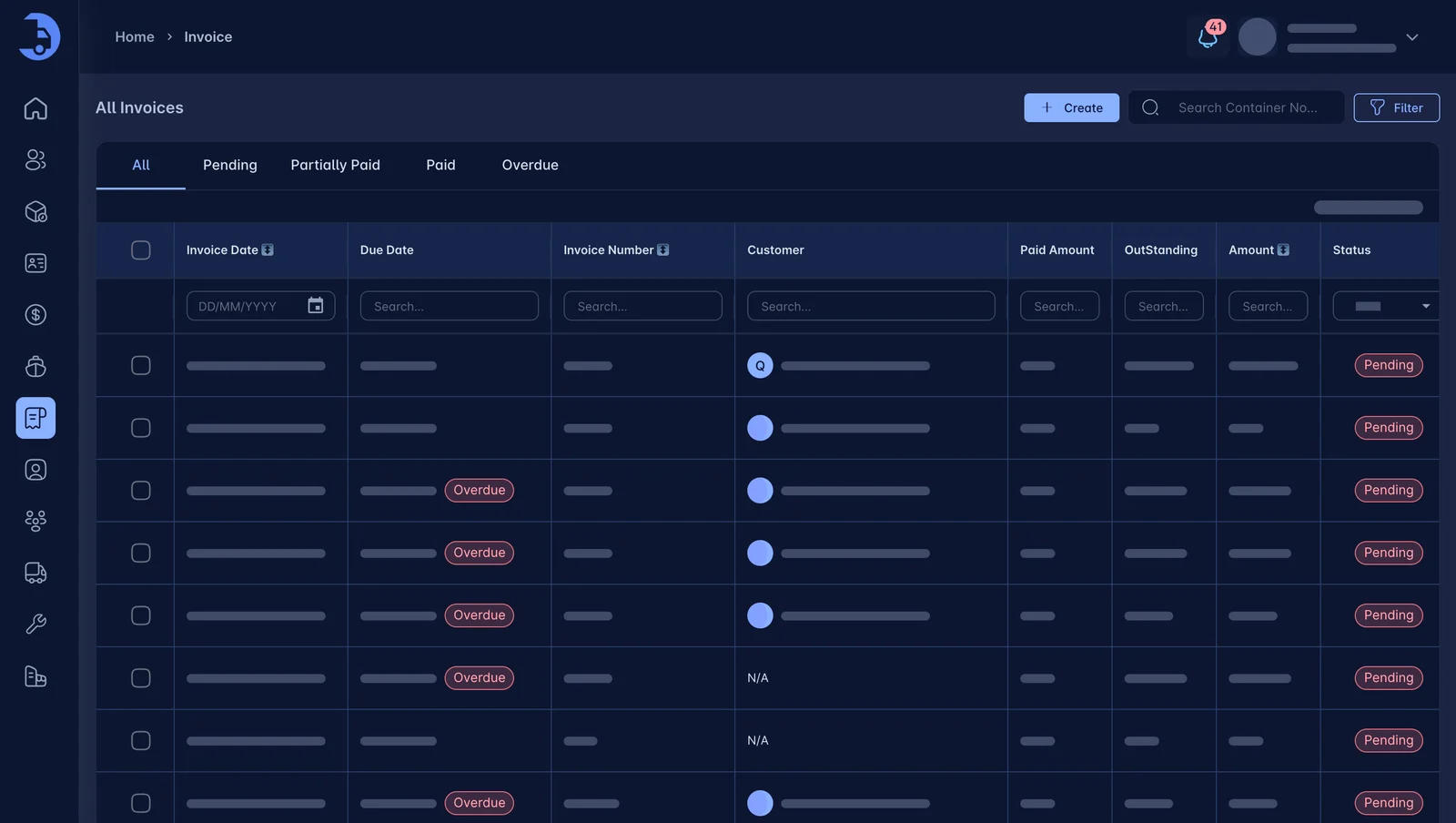
When the POD lands, the load is rated and the invoice is ready. Accessorials are already on it.
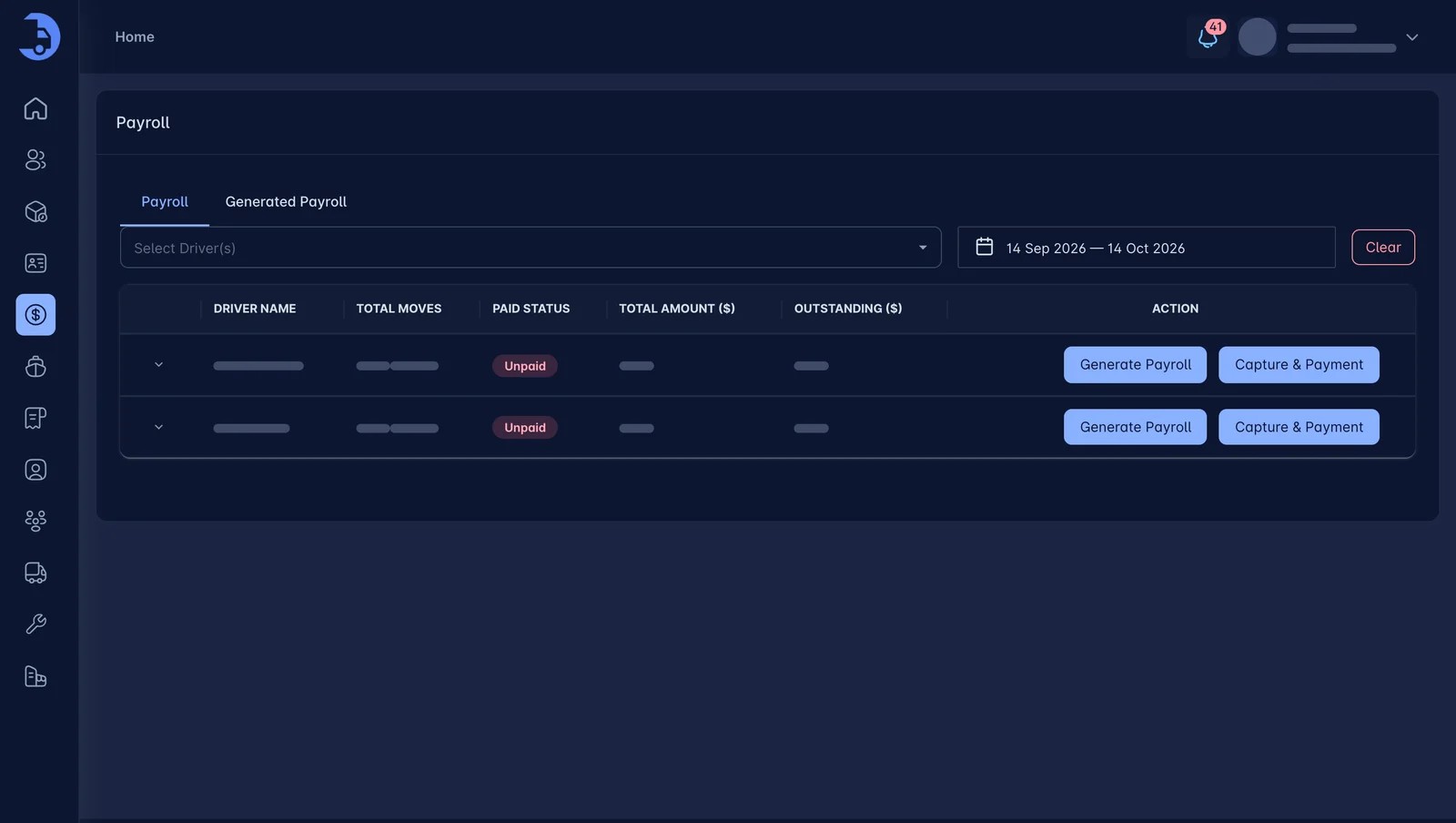
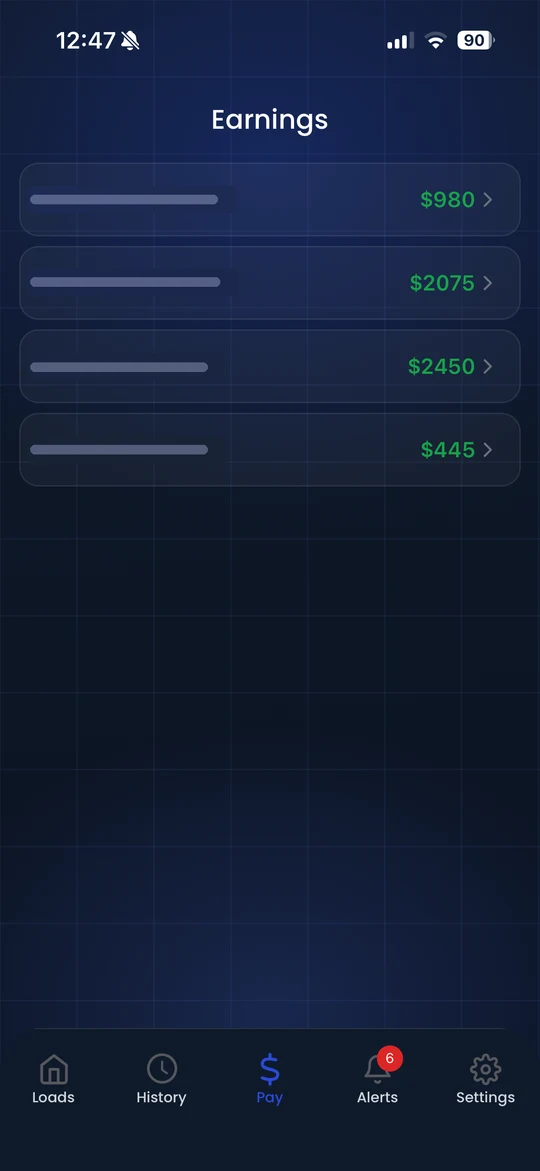
Settlements calculate from the same completed loads. Per load, per mile or percentage. Deductions included.
Trusted by carriers across North America


They're about the charges nobody billed, the fees you saw too late and the invoices that sat in a drawer. (Rates get the blame. Admin does the damage.)
Chassis, pre-pulls, waiting time, extra stops. If it's not on the invoice, you paid to haul it for free. LoadPilot adds them as they happen.
A missed last free day turns into per-diem and demurrage fast. LoadPilot fetches port dates and emails your customer before the clock runs out.
Paper PODs, re-keyed numbers and Friday-night settlements. Cash arrives late and drivers argue about pay. Not anymore.
Entering orders, fetching port data and sending customer alerts used to eat your team's day. LoadPilot's AI agents now handle all three, around the clock. Your dispatchers review and decide. (They stop typing.)
Reads order emails
Connect Gmail or Outlook. The agent reads each booking email, pulls out the container, addresses and dates, and fills in the order. You review it and create the dispatch in one click.
See email to dispatch →Fetches port data
The agent fetches ETA, availability, last free day and holds straight from the port, and keeps them on the container record. No more checking port sites by hand.
See port data →Warns your customers
When port dates change or get close, the agent emails your customer their LFD, ETA, ERD and cut-off dates, so the box moves before storage fees start.
See port alerts →AI-assisted results should be reviewed by your team. Pending orders wait for your approval before they become dispatches.
Connect your Gmail or Outlook to LoadPilot once. Our AI order agent reads your order emails automatically, and one click turns each one into a dispatch. No copy-pasting. No re-typing. (No "did anyone enter that one?")
LoadPilot's AI agents pull data straight from the port, then email your customers their LFD, ETA, ERD and cut-off dates for you. They move the box on time. You skip the late storage fees. (Nobody has to remember to send the email.)
Drag a load onto a driver. See live status on every move. Match the next pickup to where each truck will finish, so you run fewer empty miles.
Explore dispatch →Terminal and port ETAs, container availability and last-free-day alerts sit on the load itself. Move the box before the fees start. (Your customers stop calling to ask where it is.)
Explore tracking →Loads are rated from your customer contracts. Chassis, detention and fuel are captured as they happen, so nothing falls off the invoice. The moment you create it, the invoice syncs to QuickBooks. No double entry.
Explore billing →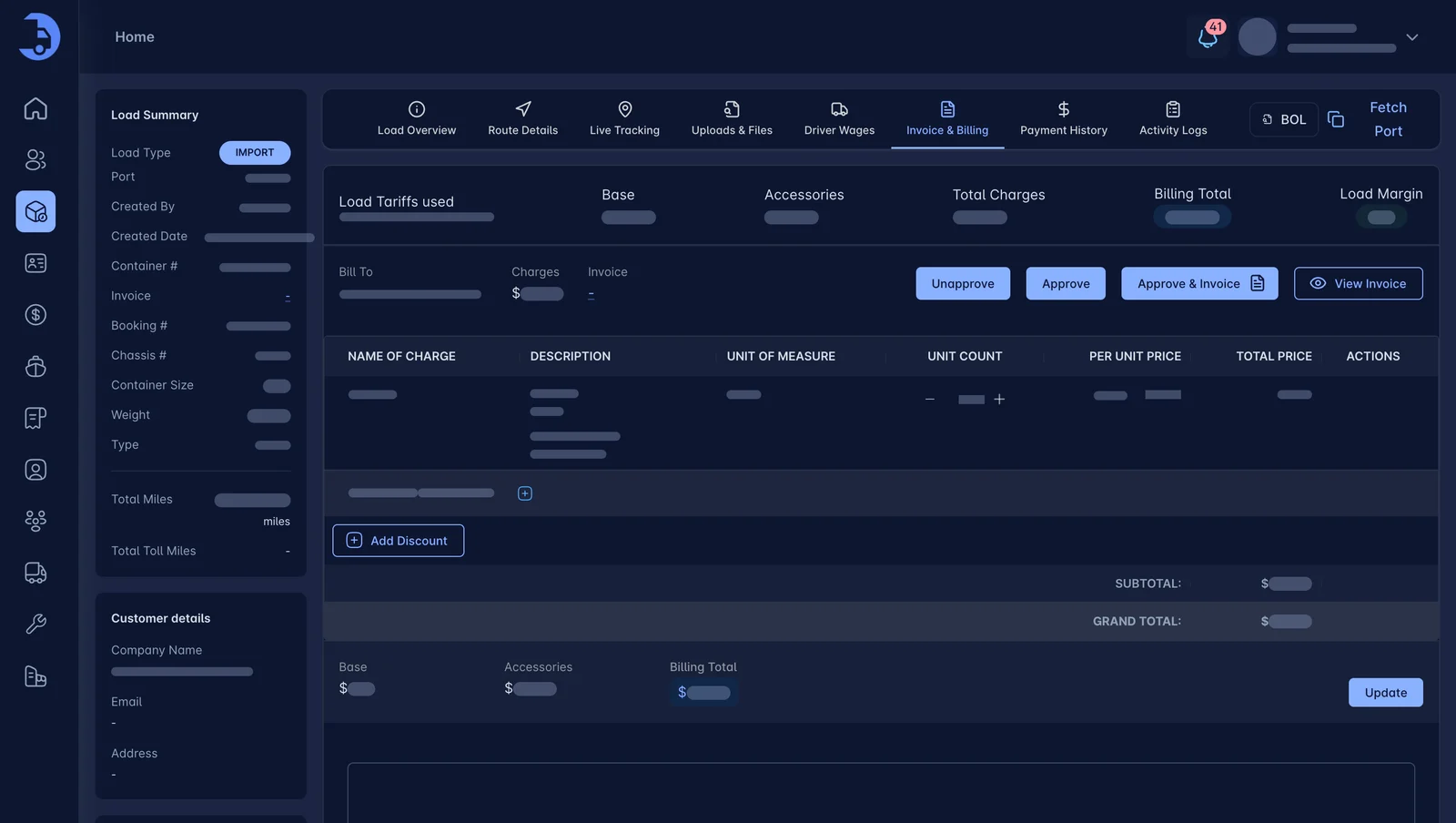
Pay rules live in the system. When loads complete, settlements calculate on their own, with advances and deductions included. Drivers see what they earned. Arguments drop.
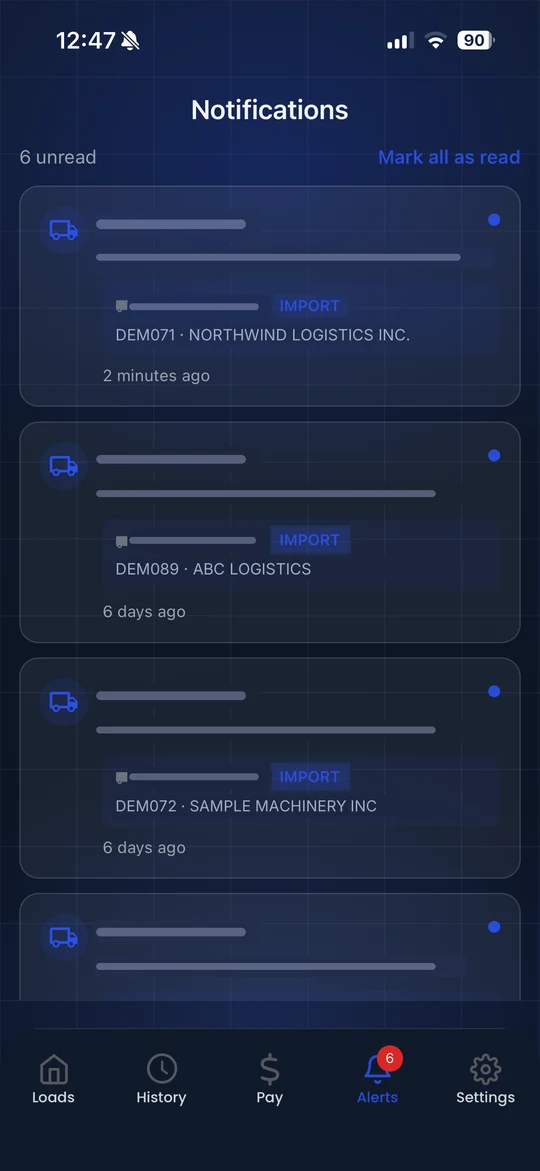
Explore settlements →Drivers get the load. You get the paperwork. Give drivers a polished mobile experience for receiving loads, navigating, updating statuses, snapping BOL and POD photos, and chatting with dispatch from iPhone or Android. Documents land on the load in seconds.


Designed for iPhone and Android workflows.
Industry benchmarks from American Transportation Research Institute (ATRI) research, as reported by the linked sources. Not LoadPilot customer results.
“We used to bill detention from memory. Now it is on the invoice before the driver is back at the yard.”
“Moving off spreadsheets took a week of evenings, not a month. Dispatch stopped asking me where containers were.”
“Drivers actually use the app. POD photos show up on the load and billing can start the same day.”
“Friday settlements used to eat my afternoon. Now I review the numbers, approve them and I am done.”
We'd rather be honest than waste your afternoon. If most of this sounds like you, a demo is worth 30 minutes.
Book a DemoA 30-minute walkthrough using your kind of loads. Bring your toughest questions.